Atlassian Jira and Scrum Fundamentals for Beginners
Become an expert in Jira project management with our comprehensive beginner course. Master agile techniques for efficient task tracking and team collaboration.
Join now on Udemy
Course Highlights
Introduction to Jira, Agile and Scrum
Brief introduction to Agile and Scrum, and how Jira is utilized to support those methodologies.
Overview of Jira Projects
Overview of Jira projects and instructions on how to create one for the course project.
Using Epics, Stories, Tasks and Bugs
Learn about different Jira issue types and how to use them efficiently.
Estimation and Capacity Planning
How to estimate effort to complete project tasks and create realistic plans.
Searching Options in Jira
Use different search tools to quickly find relevant tasks in your projects.
Instant Access to 100% Free Instance of Jira
Step by step instructions on how to get access to a completely free instance of Jira.
Overview of Jira Issues
What are Jira issues and how to use them to track the progress of the project.
Working with the Backlog
Understand the concept of the Backlog and learn how to create and manage one in Jira.
Planning and Managing Sprints
Use Jira to create, plan and manage sprints for Scrum projects.
Using Jira Filters
Utilize Jira filters functionality to promptly identify groups of related issues.
Student Reviews
This was an amazing course for beginner learners who wants to get familiar with Jira and its fundamentals. Thank you.
For such a short course, this was really informative and useful. It allows you to follow along with your own Atlassian account and do the work as you progress through the course. There is even a high-level breakdown of Agile and Scrum included. Definitely worth the time and investment. I’ve already purchased the two other courses created by Vlajko.
This was a really useful course as by the end of it, I had a good understanding on creating projects, issues, backlog list, assigning users and a overall introduction to Jira. It is worth taking the time to go through this course fully before pursuing other high level Jira courses. Creating a free account and using it do the sample project makes it hands on and gets you comfortable with Jira features.
The course is very beginner friendly and informative. Concepts are explained so well in a non-overwhelming manner that I had no issues going through it. I needed it as my workplace makes use of Jira. Great teacher. Thank you
Highly recommend this course for total begginers who wants to learn basics about Jira and start feeling more confident with the tool. It’s very beneficial to set up own account as advised on the course and practise features shown on the video. Great learning!
One of the best tutorials in Udemy! Simple and to the point. The hands-on parts where really clear and I never got lost in any part of the course!
Such a wonderful teacher. I was able to learn, understand and use it in complex projects from what I learned in this course. Thank you so much!
Great content! A real hands-on experience to learn Jira from scratch. The classes are very engaging, facilitated nicely and eloquently. Best part about it, it’s straight to the point, there is no redundancy or prolonged explanations. I strongly recommend this course for anyone interested to learn Agile / Jira.
I did’nt know anything, but after doing this course i can truly say i understand the basics and how to start using Jira with my team.
Course Content
Introduction
The course starts with an overview of the course project, a simulation of the development of an ecommerce site. It continues with step by step instructions for getting forever-free access to Jira, immediately followed by a brief overview of Jira.
The introduction section is concluded with lectures providing short overviews of Agile and Scrum, just enough to ensure understanding of their basics and related terminology extensively used in Jira.
Jira Projects
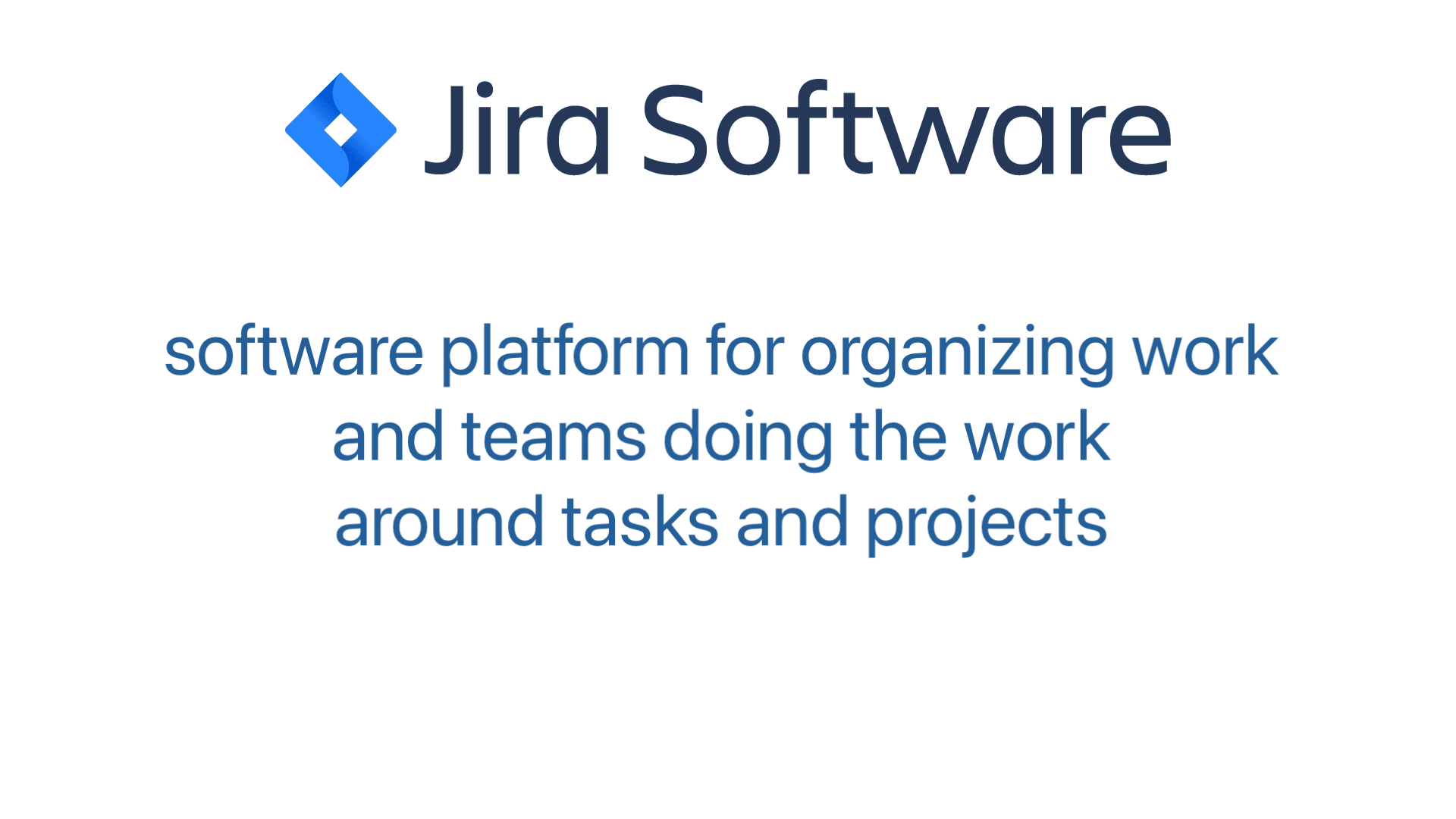
Jira projects allow users to organize, prioritize and track tasks. They also allow teams to collaborate on tasks and projects, assign resources and create reports. With Jira projects, users can easily manage their tasks and documents in one place.
Jira projects also offer a range of features like workflow customization, scrum boards and kanban boards to help users stay organized in both large-scale projects and small teams.
In this section, you will learn how to use projects in Jira to maximize performance and keep everyone on track.
Jira Issue Types
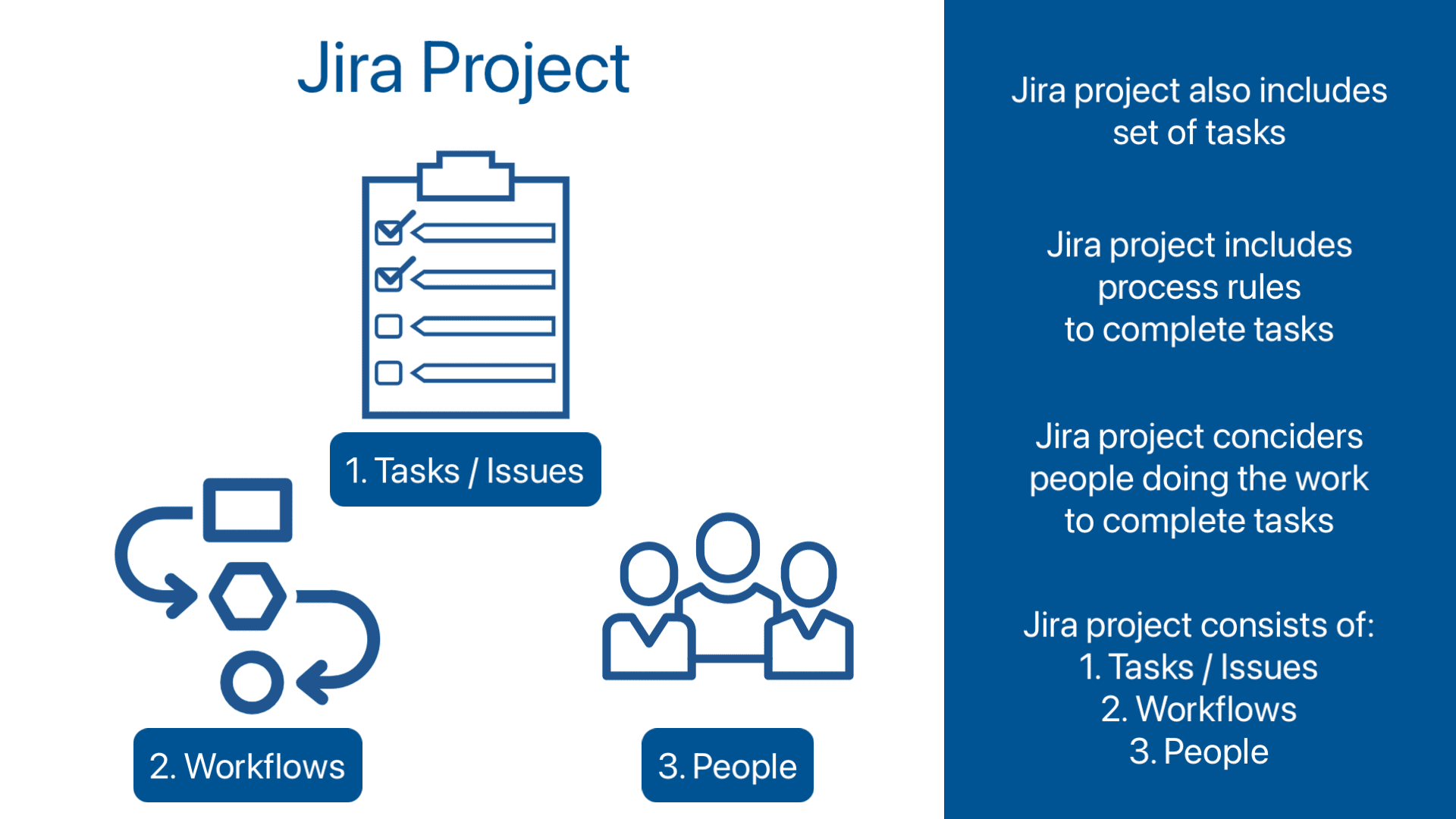
Jira issue types are used to categorize and differentiate different types of tasks in Jira. There are several issue types available, each of which has its own purpose and characteristics in order to provide flexibility when organizing tasks and tracking progress. It is important to choose the right issue type when creating an issue in Jira. That ensures the issue is properly categorized and that everyone involved understands what needs to be done.
This section will introduce you to the main types of Jira issues so that you can better understand and track your projects.
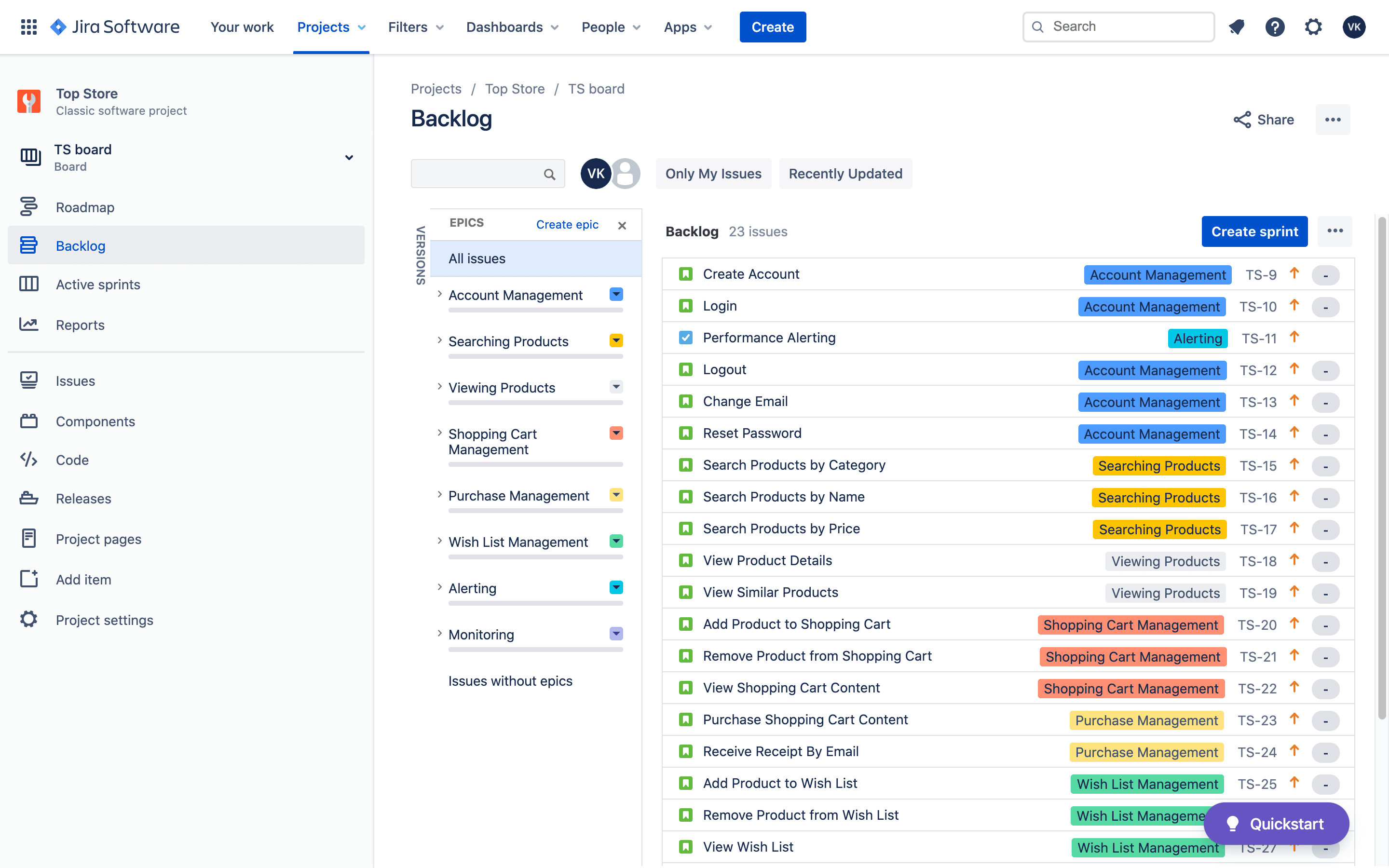
Jira Backlog Management
The Product Backlog is an emergent, ordered list of what is needed to improve the product. It is the single source of work undertaken by the Scrum Team. Product Backlog refinement is the act of breaking down and further defining Product Backlog items into smaller, more precise items. This is an ongoing activity to add details, such as a description, order, and size.
All of the work described surrounding the Product Backlog can be considered Product Backlog Management. In this section, we explore how Scrum Teams use Jira to manage the Product Backlog.
Sprint Planning with Jira
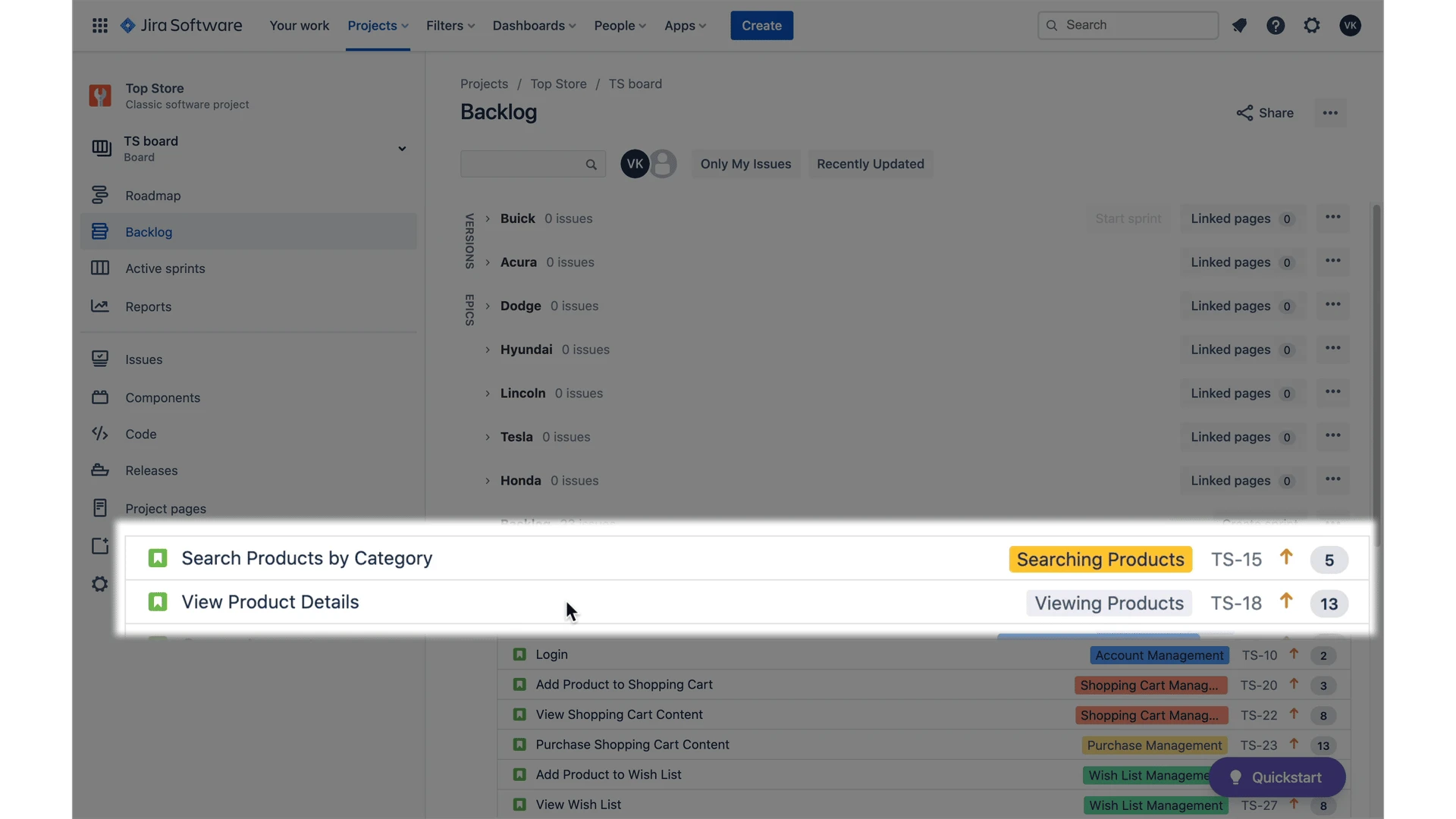
Sprint Planning is a crucial step in the Scrum process, during which the entire Scrum team collaboratively lays out the work to be performed for the upcoming sprint. This resulting plan provides transparency of work completed and future work to be done.
Jira is a valuable tool in facilitating Sprint Planning, as it provides a centralized platform for tracking progress and sharing information with team members and stakeholders. In this section, we discuss what Sprint Planning looks like and how Jira supports transparency and collaboration within the team.
Using Filters in Jira
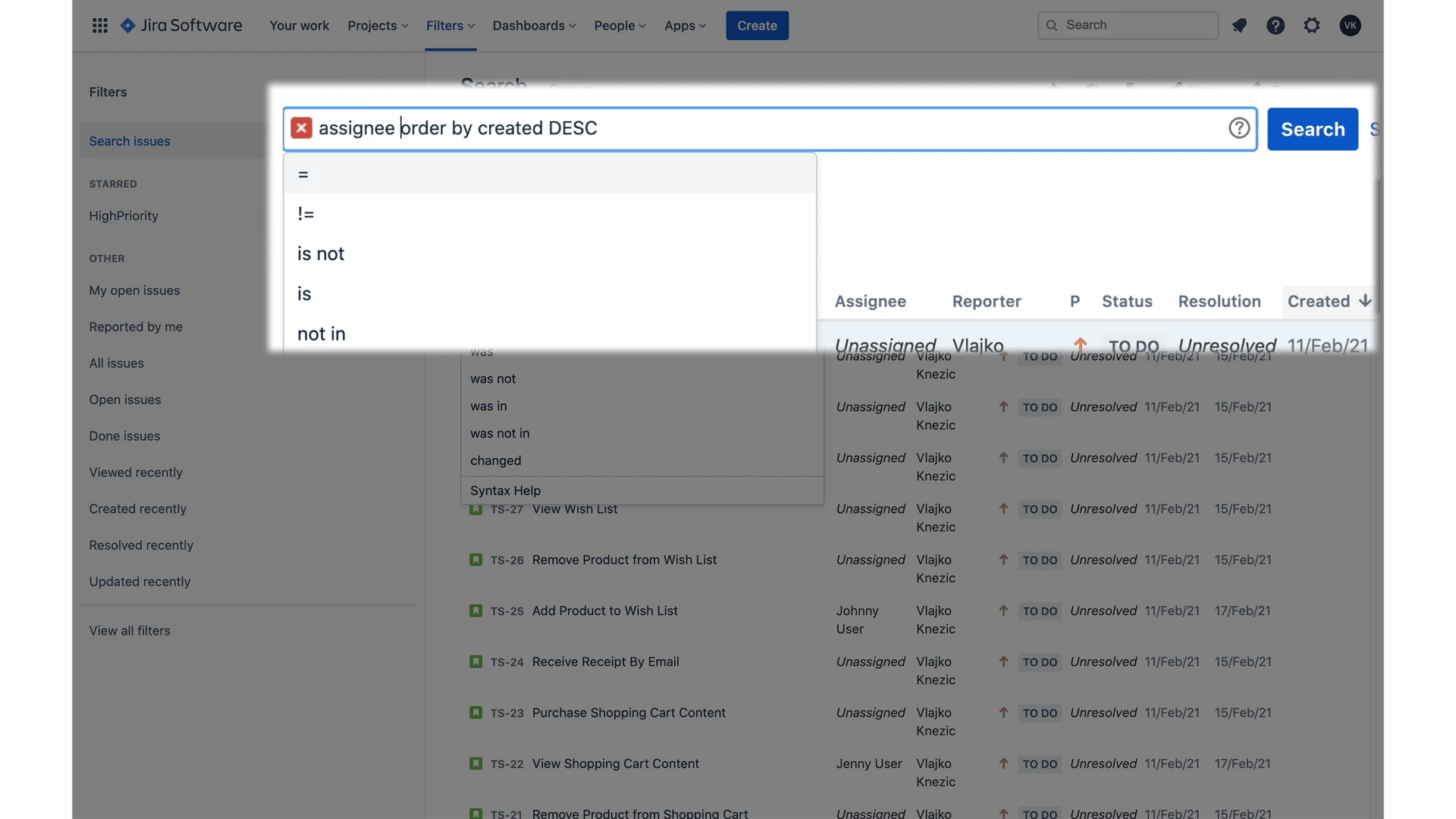
Jira filters are a great way to manage and share information. With filters, you can easily look up and access information whenever you need it.
By creating a filter, users can specify the criteria that they want to see results for, such as assignee, project, or status. Once a filter has been created, it can be saved and shared with others. Filters are an essential tool for team collaboration, as they allow teams to easily tailor their view of a project to their specific needs.
In this section, you will learn how to create, edit, manage, and share filters in Jira.
Course Lessons
Section 1 — Introduction
- Lesson 1 - Introduction (3:22 min)
- Lesson 2 - Course Project (2:00 min)
- Lesson 3 - Getting Free Access to Jira (5:28 min)
- Lesson 4 - What is Jira? (3:56 min)
- Lesson 5 - Agile in 5 Minutes (4:33 min)
- Lesson 6 - Scrum in 5 Minutes (5:10 min)
Section 2 — Jira Projects
- Lesson 7 - Understanding Jira Projects (4:13 min)
- Lesson 8 - Creating Jira Project (4:12 min)
- Lesson 9 - Project Settings (7:26 min)
Section 3 — Jira Issues
- Lesson 10 - Understanding Jira Issues (3:21 min)
- Lesson 11 - Standard Issue Types (3:40 min)
- Lesson 12 - Identifying Issues for Course Project (4:07 min)
- Lesson 13 - Creating and Editing Issues (6:28 min)
Section 4 — Working with Backlog
- Lesson 14 - Prioritizing Backlog (4:28 min)
- Lesson 15 - Estimating Work in Backlog and Customizing Issue Type (6:14 min)
Section 5 — Planning and Managing Sprints
- Lesson 16 - Creating Sprints (6:11 min)
- Lesson 17 - Planning Sprints (3:35 min)
- Lesson 18 - Starting, Monitoring and Closing Sprint (9:23 min)
Section 6 — Using Filters
- Lesson 19 - Finding Issues and Other Jira Items (2:51 min)
- Lesson 20 - Advanced Search and Jira Filters (2:51 min)
Section 7 — Course Roundup
- Lesson 21 - Course Roundup (1:19 min)
Course Instructor

Vlajko Knezic
As a seasoned 20+ year career technologist, Vlajko has led high-performance teams, ranging from technology infrastructure engineering design & support to web development teams and product development groups.
Vlajko's career has spanned experiences as a developer, project manager, product manager, technology director, agile evangelist, and methodology leader.
He has helped many organizations improve the efficiency of their delivery by using the right tools and processes, and that knowledge and experience are reflected in his courses.
Frequently Asked Questions
Who is this course for? Is it going to help me do my job?
Any scrum master, product manager or project manager working on a Scrum or Kanban project will benefit from this course. However, Scrum team members and Jira administrators will also find a lot of useful information.
Is this a hands-on course or a theoretical course?
This course is 100% hands-on! Each concept explained is followed up with hands-on activities which are all part of the single objective to configure several boards and workflows for the specific project.
Why should I learn Jira and know about Scrum and Agile?
Jira is a platform used by software professionals to manage Agile projects more efficiently. As the most popular tool in its category, it is becoming increasingly relevant for career progression and job search success.
When can I start using what I learn in the course?
You can put your learnings to use after each lesson. Course curriculum is organized in such a way that each lesson fully covers a specific feature and if you find a feature helpful for your needs, you can use it right away.
Do I need a paid Jira license to practice what I learn?
No, you don't need a paid Jira licence to follow up hands-on activities in the course. The free tier Jira subscription is sufficient and it has no time limits. After you finish the course you can continue to use it.
I am not a Jira administrator, should I still take the course?
Yes. Although a lot of course activities require administrator privileges, even if you are not a Jira administrator you should still take the course and learn how boards and workflows can be used to maximize your team's efficiency.